01
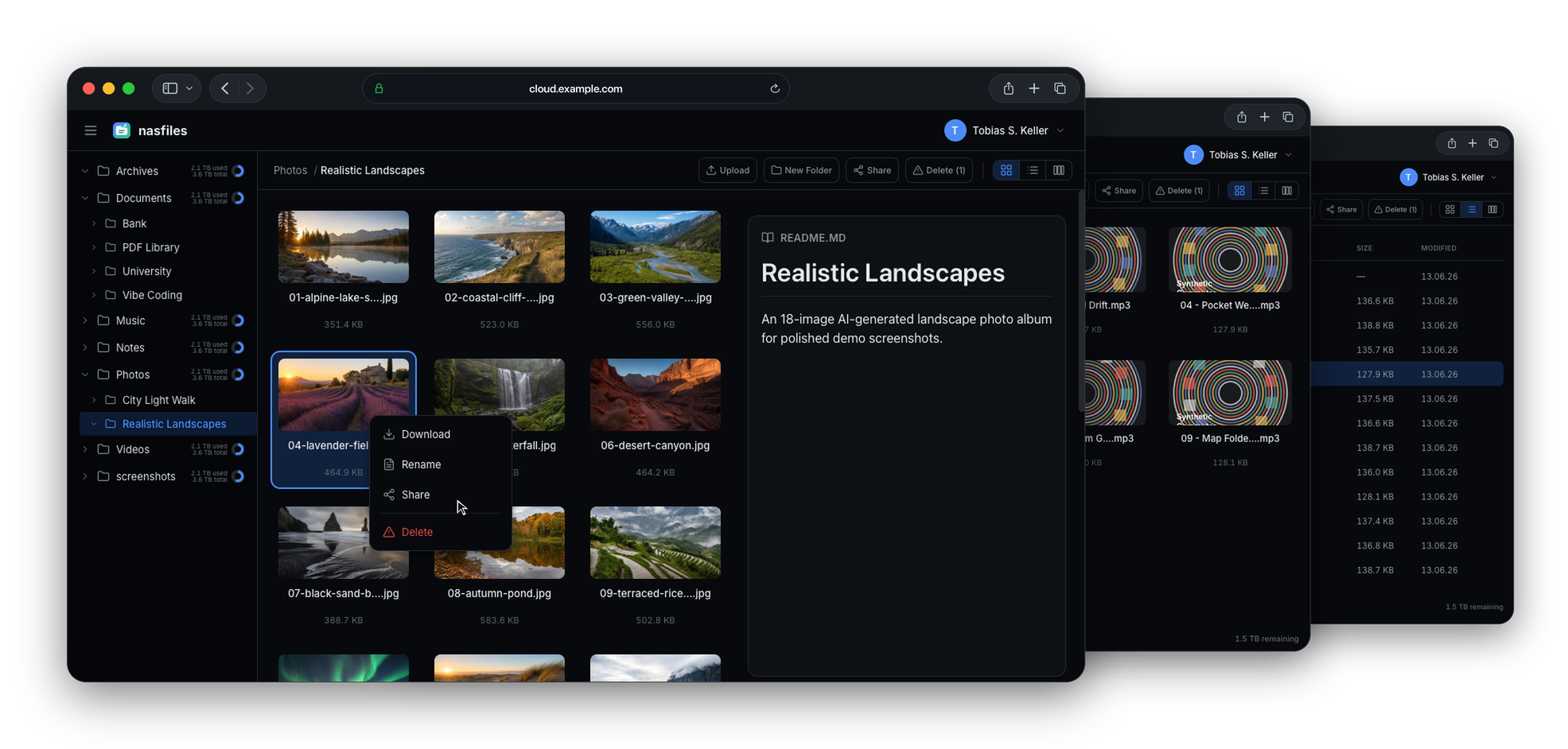
Browse the same folders in grid, list or column views and move files with drag and drop across browser windows
A professional cloud experience for the NAS you already own
The file manager your NAS deserves.
Host the files already on your NAS with the usability of a professional cloud, including flexible browsing, rich previews, secure sharing and upload-enabled shares.
Inside the application
See grid, list and column browsing, drag and drop, local media previews and access management in the real NAS Drive interface.
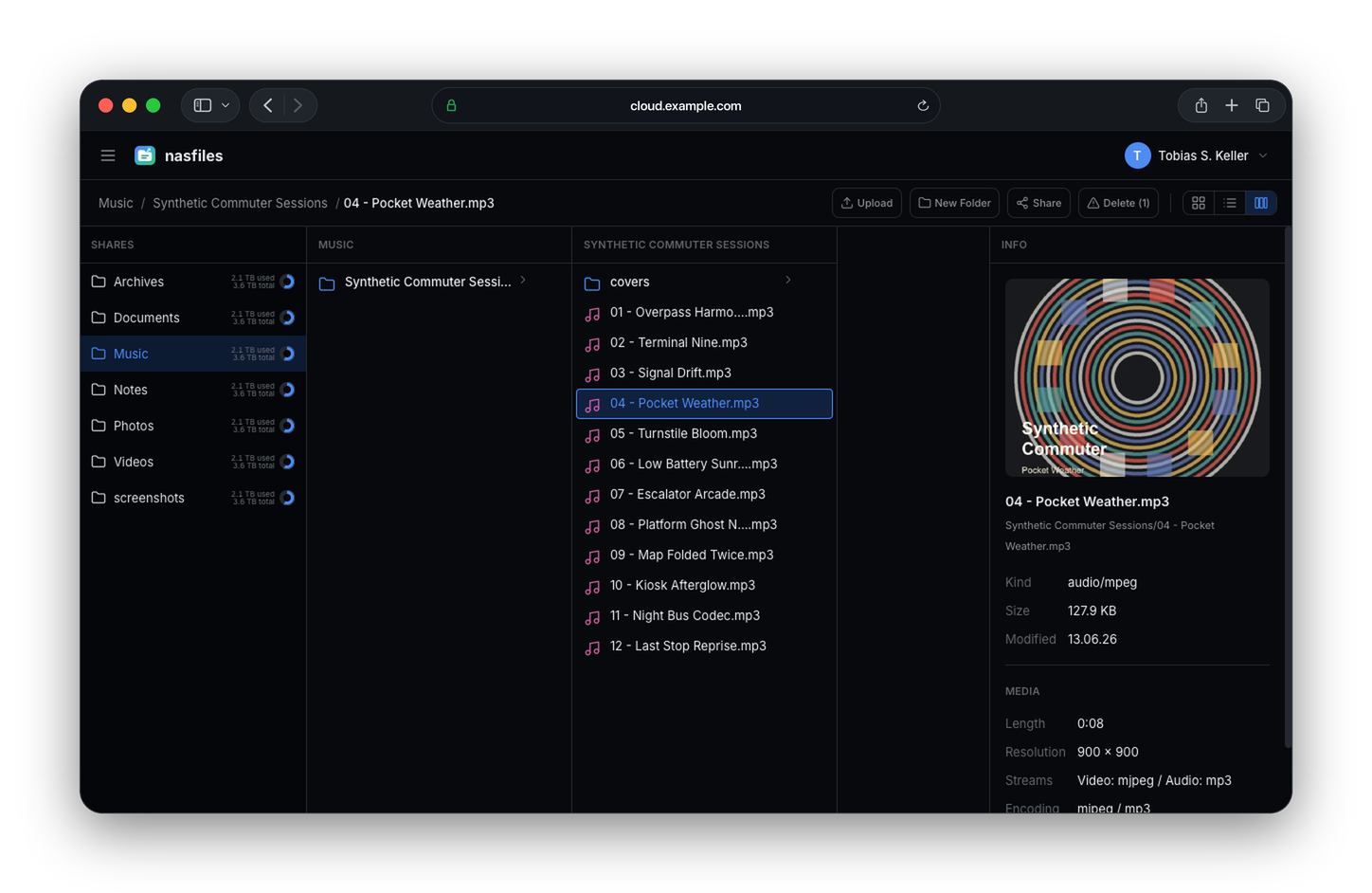
Column view keeps the path visible while you move through folders. Grid and list views are available for visual browsing or denser file work.
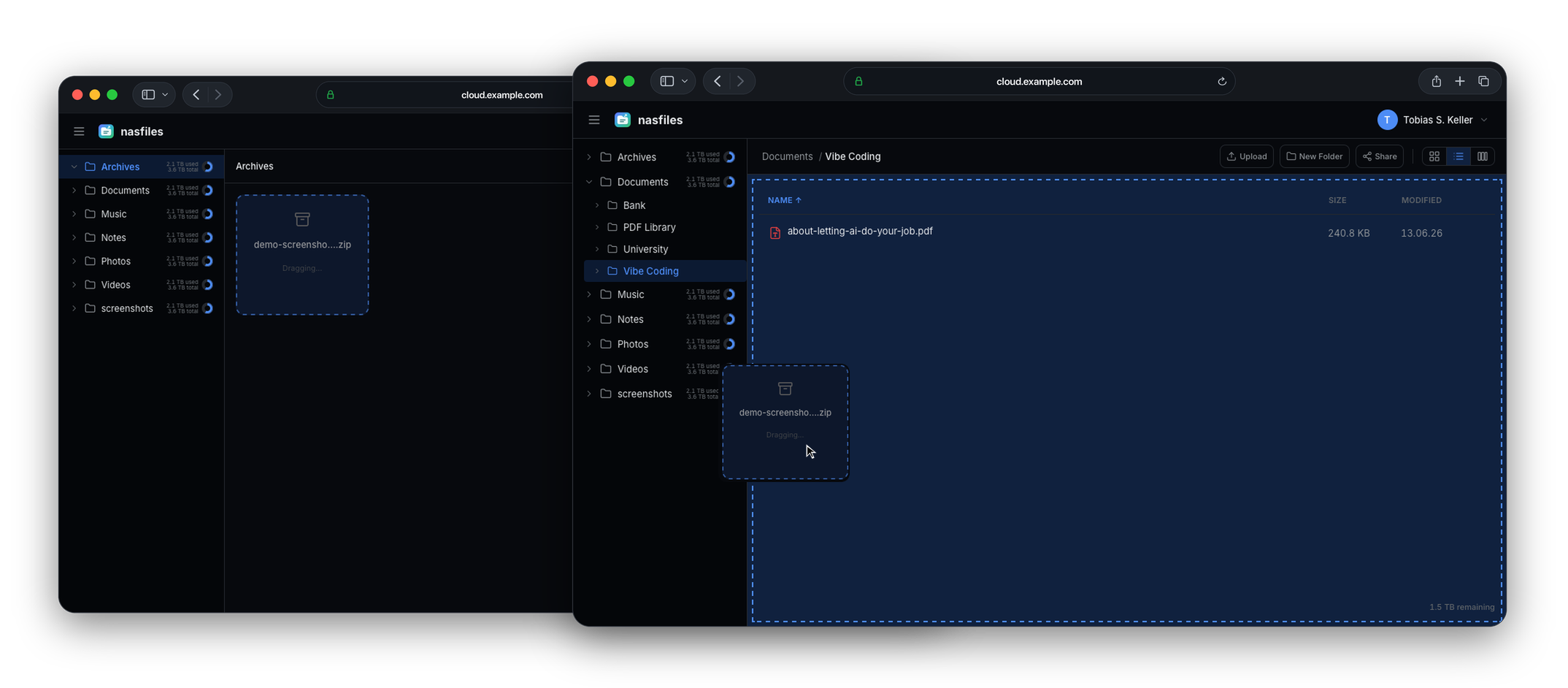
Drag files between NAS Drive windows, upload individual files or complete folders, and keep the familiar folder structure already on the NAS.
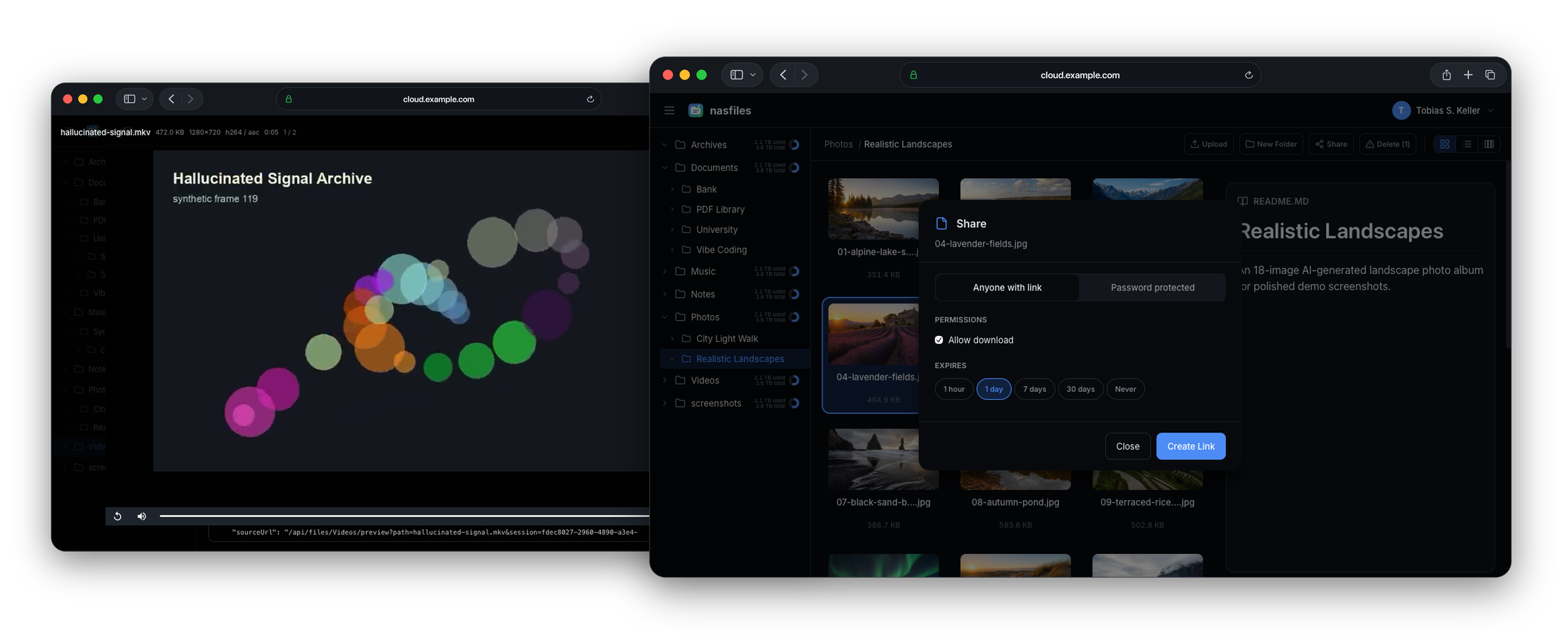
Inspect photos, RAW files, documents, audio, video, Markdown, code and archives without downloading each file first.
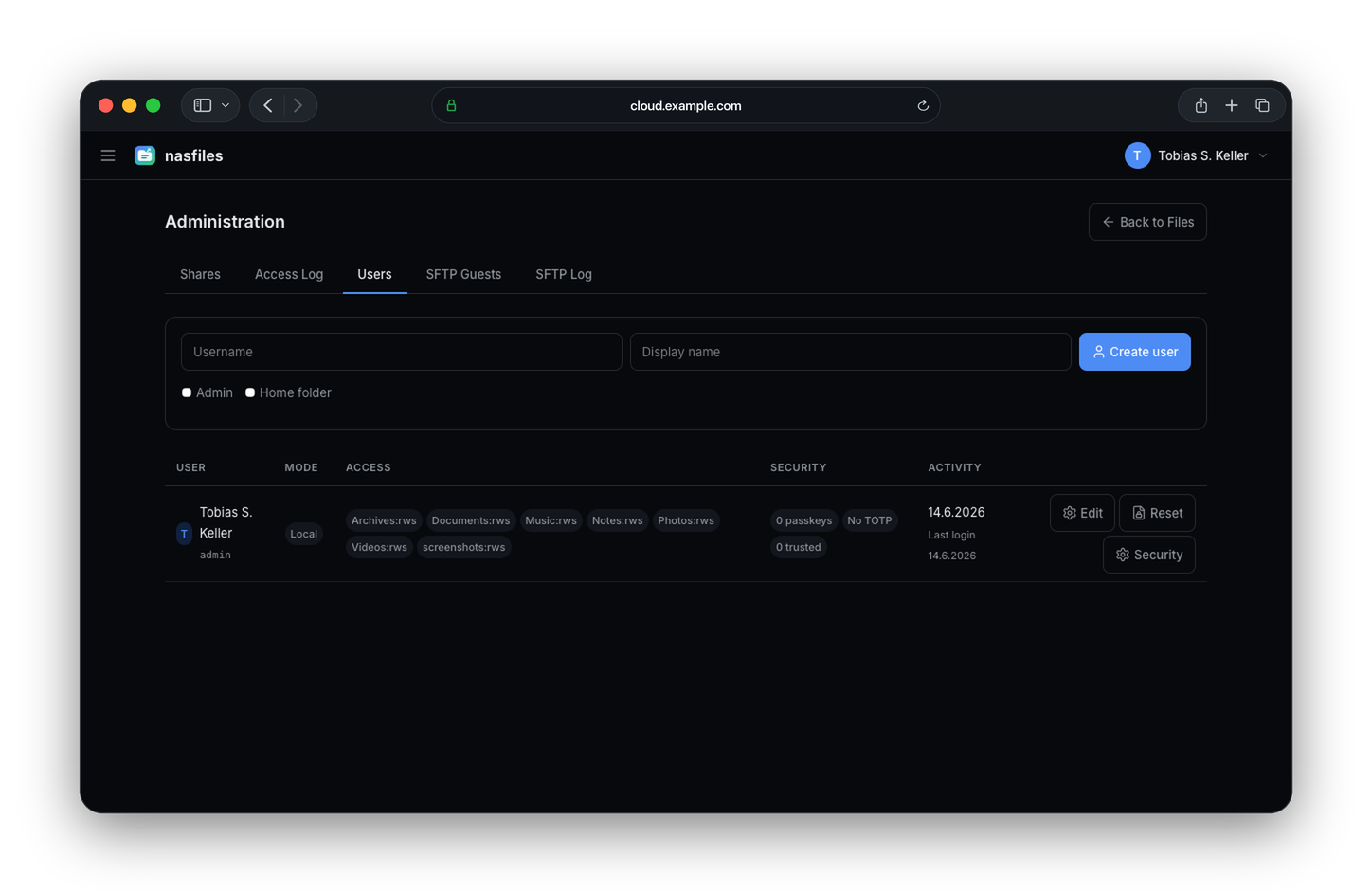
Manage users, authentication and folder permissions while public shares remain independently protected, limited and auditable.
Why it exists
NAS Drive turns the folders already stored on your NAS into a polished web file manager. There is no separate library to import and no second copy of the data to keep synchronized. Your existing folder structure remains intact.
Browse files in grid, list or column views, preview files and create managed shares for clients, colleagues, friends or family. Shares can be protected, expire automatically, allow downloads or accept uploads from other people. Everything runs locally on your own server.
What it does
Choose the view that fits the task, preview files without downloading them, create controlled shares and collect uploads without exposing the rest of your storage.
Browse the same folders in grid, list or column views and move files with drag and drop across browser windows
Preview images, RAW photography, video, audio, PDFs, Markdown, code and archives without downloading them first
Send polished photography galleries where clients can select the files they want to receive
Create and manage shares with passwords, expiry dates, download access and complete access audits
Allow other people to upload files directly into a share without giving them access to the rest of the NAS
Manage users locally with passkeys and TOTP or connect OIDC and SSO with group-to-folder permissions
For technical workflows
NAS Drive also exposes controlled access for tools and workflows that work better through established storage protocols.
Users connect through a virtual SFTP server and only see folders they are permitted to access. Shares can also provide temporary, folder-scoped SFTP access without granting a guest a full system account.
Personal API tokens expose accessible roots as buckets for tools such as rclone, the AWS CLI and Cyberduck. Writable password-protected shares can exchange the share password for short-lived credentials restricted to that share.
Open source, ready to explore
Under the hood
A small Rust server handles files, permissions, sharing, previews and protocol access with a low memory footprint. The filesystem remains the source of truth, so NAS Drive does not duplicate files or depend on a separate content index that can become outdated.
The web interface communicates with the Rust API while SQLite or PostgreSQL stores users, permissions, shares and audit information. Thumbnail and preview data stays in a separate cache, and the complete application can run as a single container on modest NAS hardware.
I direct the product, architecture, security model and operational constraints as technical lead while agents implement the details. This made Rust practical even though I would not bootstrap a Rust application of this scope from scratch by hand.
AI tools and models
Claude Opus and Gemini 3.1 Pro